An alternative way to start a CMA is from the Search Tab rather then the CMA tab.
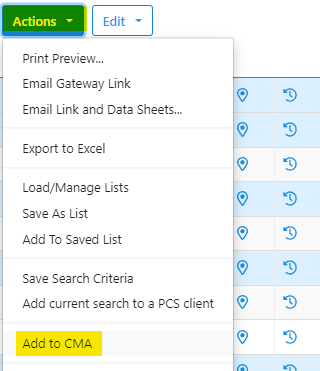
To start, complete your search for comparables and select the listings. Once you have the comparables selected, click the Blue Actions button in the left hand corner and then click "Add to CMA" as highlighted below.
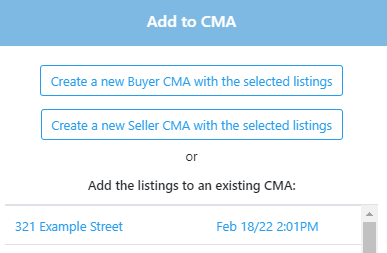
You can then select the existing CMA, or start a new one from this pop up.
If you create a new CMA, the CMA will be created and you will see the pop up like below.
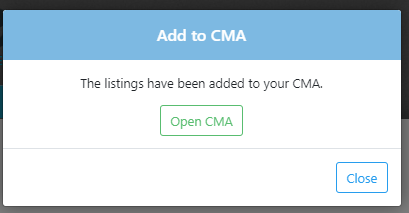
You can then click "Open CMA" to be moved into step one of the CMA.
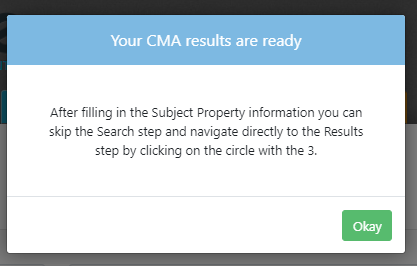
Click the Okay button and you will be on Step One of the CMA. Complete the subject property information on Step One and you will then be able to skip Step Two and proceed with Step Three.
For instructions on finishing a CMA, click here.