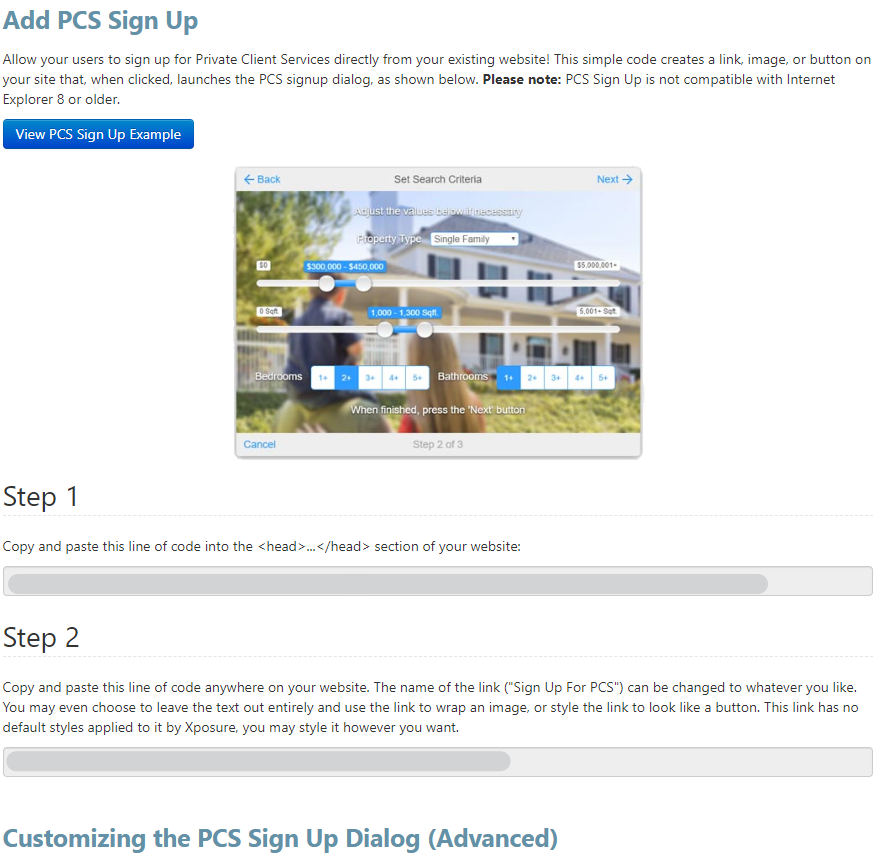
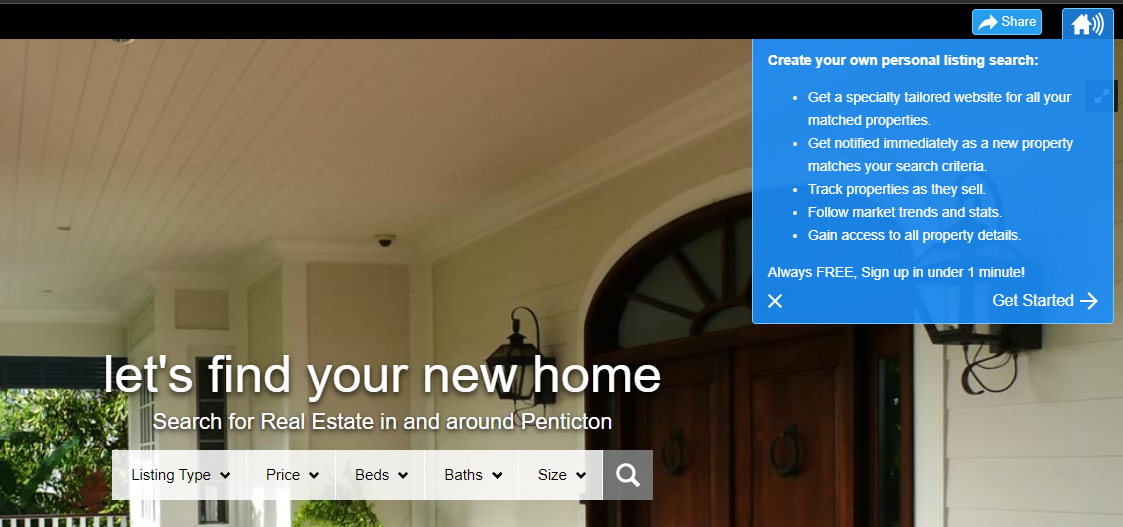
By following a couple short steps, you can activate a PCS™ sign up on your website that allows consumers to sign themselves up to receive automated email notifications based on their unique search criteria.
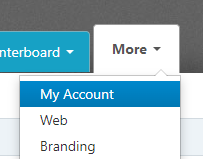
To enable the PCS™ Sign up on your Xposure™ Business Page, first click the More tab and then My Account.
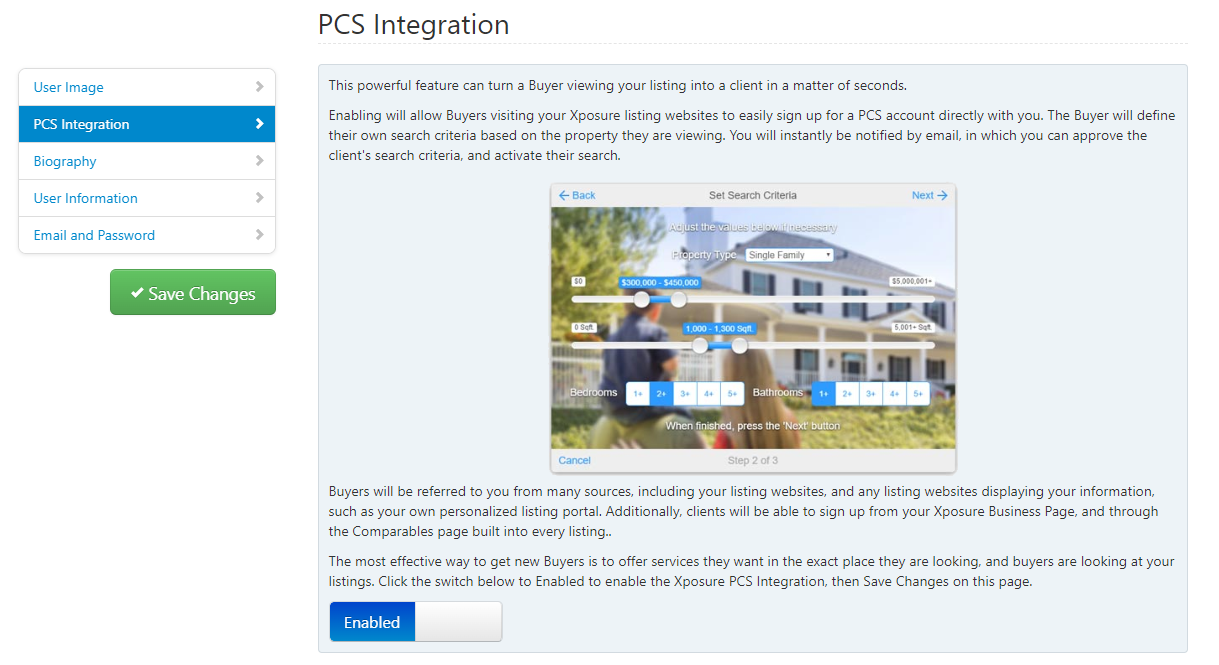
In My Account, click on PCS Integration along the left side menu, as shown below. There you can read some information about the service, and at the bottom you can enable the feature by toggling the button to show Enabled, like below. Your Xposure™ Business Page will now show the sign up feature.
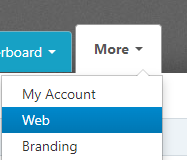
If you have a custom website, you can also add the PCS™ feature as you would like. To begin, go to the More tab, but this time select Web.
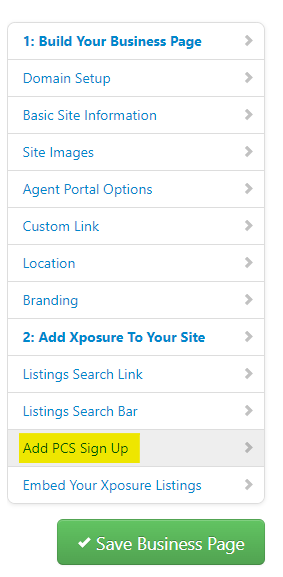
Along the left hand menu, Select "Add PCS Sign Up". as highlighted below.
You will see the copy that you or your web developer will need to add to your website. There is also information on customizing the Sign up dialog.