The Web tab allows you to integrate Xposure™ features into your existing website. Consumers can sign up directly to your PCS™ account, you can add a personalized listing portal to your site, as well as include it to every thing you send out to a client from Xposure™. You can even integrate your Xposure™ listing sites into your own website, giving consumers the full digital content experience.
Click here for a short tutorial video.
To begin, click the Web tab and then along the left hand menu, click #2 Add Xposure To Your Site.
If you are working with a web developer you can easily enter their email address under Option 2 as shown below and then click the Email These Instructions button.
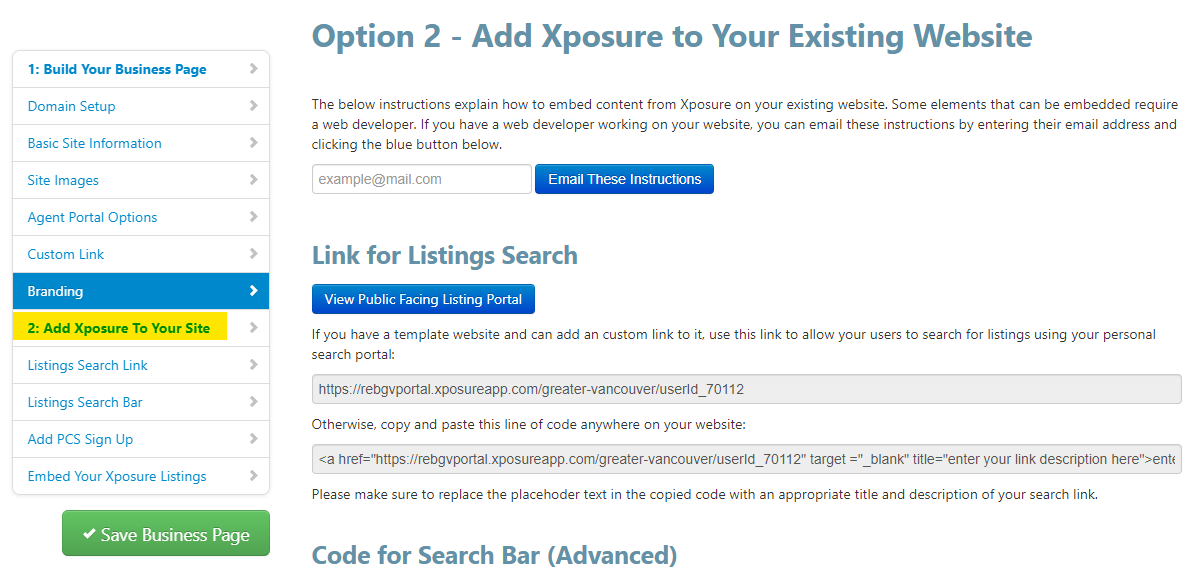
You can choose which features you would like to include on your website. Options include a search link, a search bar, a PCS™ sign up, or your listings. Instructions for each features are listed towards the bottom of the page. If you need assistance please contact our support team at support@realtyserver.com and indicate which feature you are adding.