In Xposure™, you have options in your User Preferences to set notifications and your User Information. The options available to you will depend on your board. We suggest checking your preferences when you get started to see what is available to you.
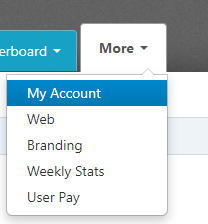
To view your User Preferences, click on the More tab, and then My Account.
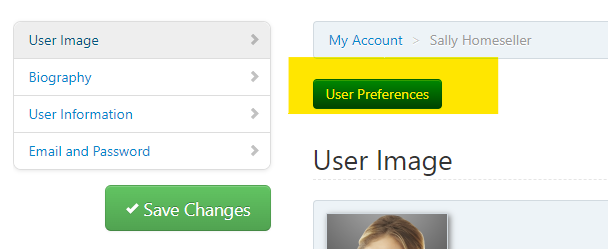
The User Preferences button will be just above the User Image area in the My Account screen. Once you click the User Preferences, a new tab will open.
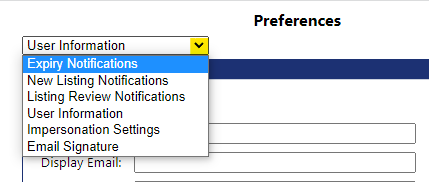
On the new tab, you will see a contact form that has the information that has synced from your board. At the top left you will see a drop down, like below. When you click open the drop down arrow, you will then see the options available to you. As mentioned above, you may not see the options shown in this example.
Once you have finalized the preferences, click the Save button at the bottom of this page.
You can now close this tab and proceed with your set up/changes.