This powerful feature can turn a Buyer viewing your listing into a client in a matter of seconds.
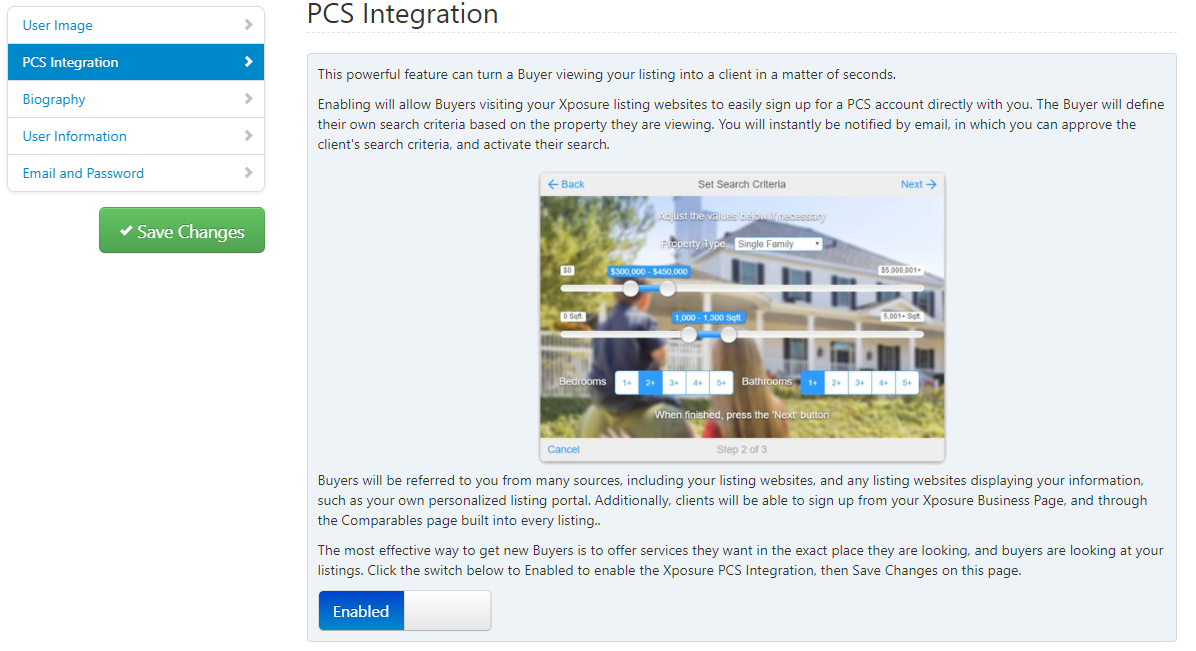
Enabling will allow Buyers visiting your Xposure listing websites to easily sign up for a PCS account directly with you. The Buyer will define their own search criteria based on the property they are viewing. You will instantly be notified by email, in which you can approve the client's search criteria, and activate their search.
Click on the More tab and then My Account. On the right hand menu, click PCS Integration. To enable the feature, click the button on the bottom left hand corner that says Disabled. It will change to Enabled as shown below. Click Save Changes on the left hand side before leaving the page.