RealtyServer has released a Client Match enhancement. This new feature will assist an Agent to match a listing to their client list, allowing the Agent to contact the client right away and book a showing. This will be a time saver when a new listing comes on the market or has a price adjustment, and you want to see if the property matches any of your clients search criteria.
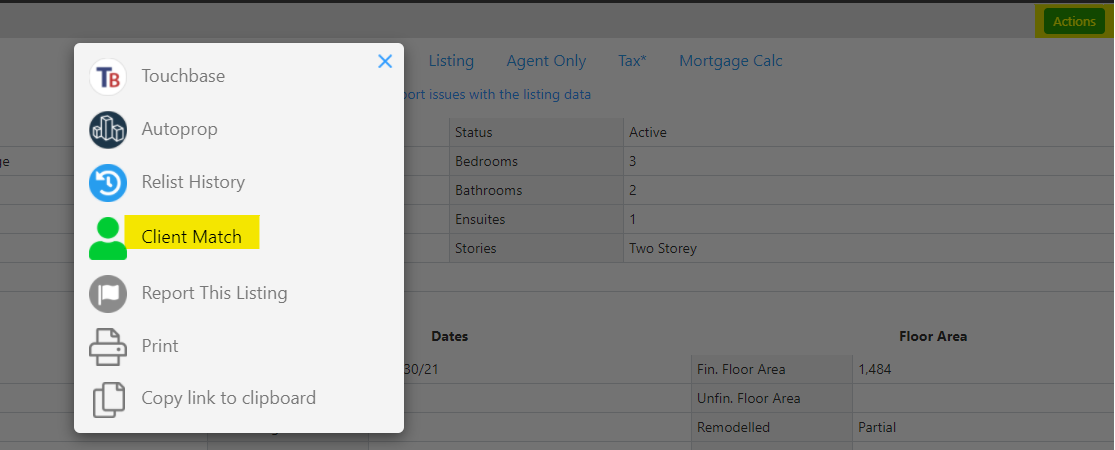
From the listing page, click on the blue Actions button on the top right hand corner. A pop up window will open, and Client Match will be an option for you to select.
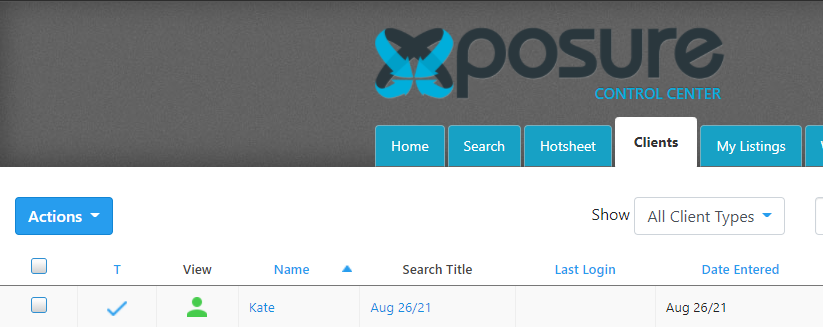
Once you click Client Match, you will be redirected to your Clients tab, and the clients that have search criteria that matches the property will be listed.
To see this new feature in action, click here for a micro-sized training overview video.