The Xposure™ Business Page domain setup can be completed in minutes. You can configure your page to point to an existing domain name, or to a subdomain that is included in your subscription.
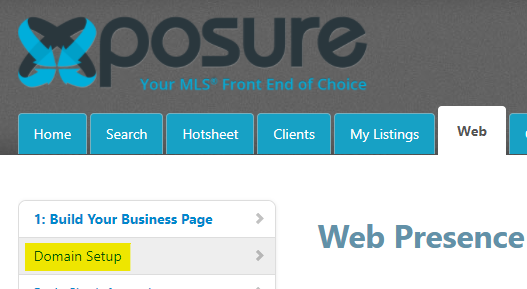
To start, go to the Web tab. On the menu on the left hand side, click Domain Setup under Build Your Business Page as highlighted below.
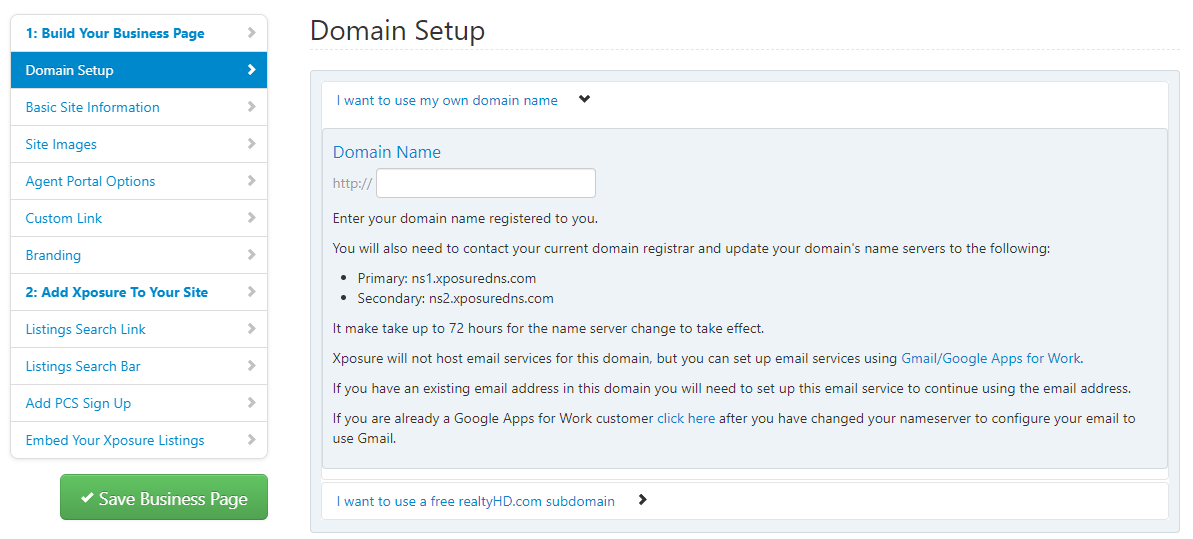
You will have 2 options under Domain Setup.
The first option is adding your preexisting domain name. Fill in the URL name in the field indicated. Click the green "Save Business Page" button on the left hand side to complete the configuration.
There are instructions included that need to be entered for your domain server.
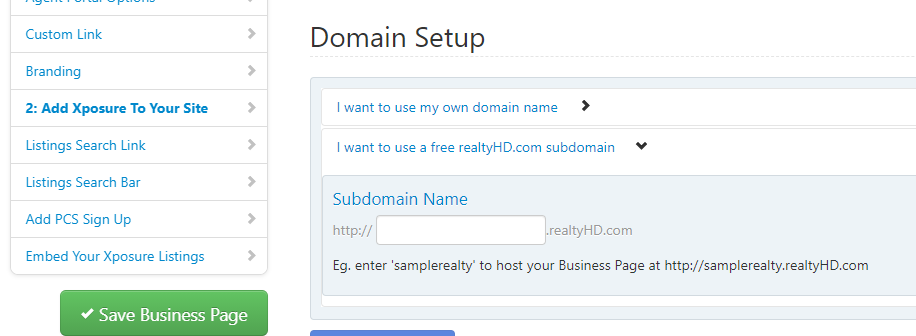
The second option is configuring a free realtyHD.com subdomain
Enter the name you would like to configure in the field as shown below.
As an example, if your subdomain preference was "samplerealty" the URL would be http://samplerealty.realtyHD.com
Click the green "Save Business Page" button on the left hand side to complete the configuration.