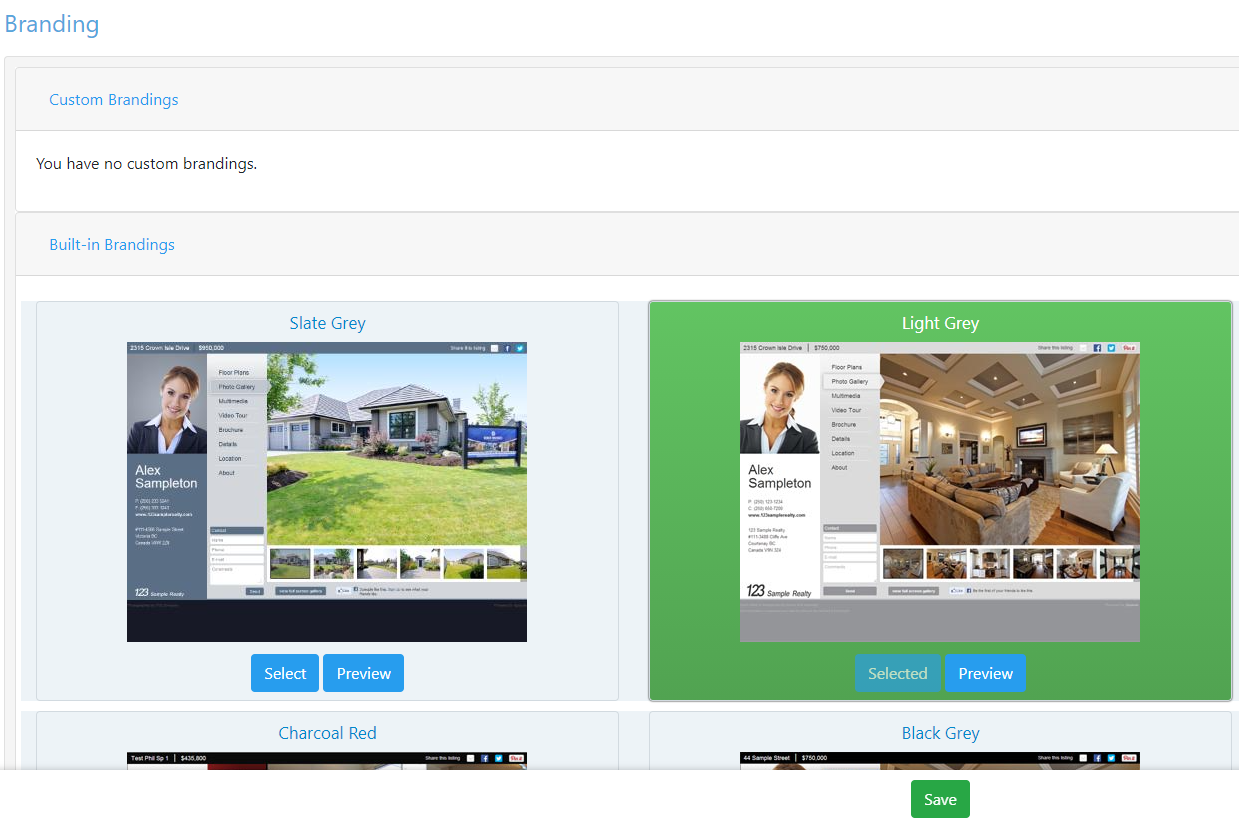
Xposure™ builds a unique website for every one of your listings, and packs it with digital content to fill the consumer demand for knowledge. You can customize your listing portal by selecting the colour theme from our default choices, or you can work with our design partners to customize your branding.
To look at the default choices, you will go to the My Listings tab in Xposure™. The menu under the Tools column will look different depending on your Boards agreement with RealtyServer™. Below are 2 different views that you may see when you click on the arrow to the right of the gear icon. Click on Marketing Features to proceed.
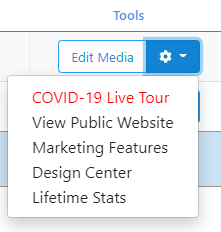
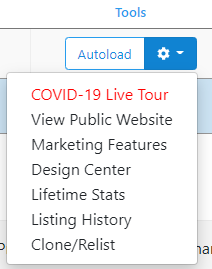
A new window will open. Click on Branding as shown below.

In the Branding area, you can select the colour palette to be added to your listing portal. To preview the palette, click the preview button.
If you have worked with our design team to create a custom branding, it will be listed in the Custom Branding area.
Once you have made your selection, click the green Save button at the bottom of the screen to complete the selection.