Xposure™ allows you to add a written or video biography to show on your website.
Once you are logged into Xposure™, go to the More tab and then My Account.
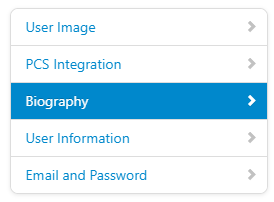
In My Account you will see a menu along the left hand side. Select the third option, Biography.
If you are uploading a video biography, click the "Upload Video Biography" button to select the video from your computer. Videos need to be under 500MB. MP4's are recommended but most video formats (.mov) will upload. *Note - if you are shooting a video on your mobile, ensure you use landscape mode.
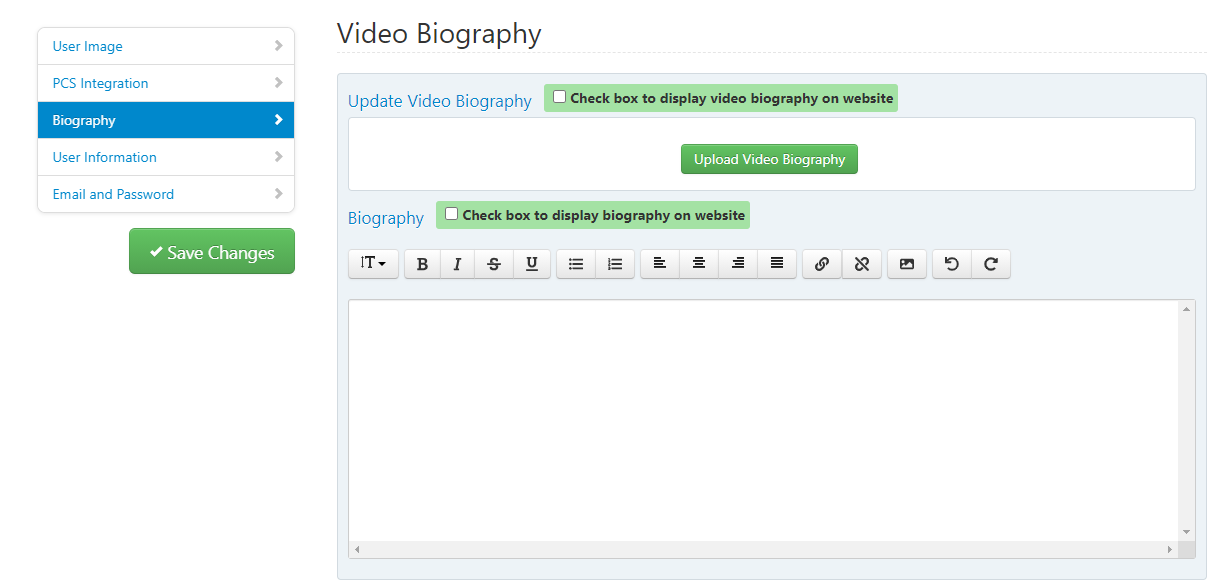
Once you have uploaded your video and/or added your written biography toggle the appropriate check box to expose the biography. Click the Save Changes button to the left hand side before leaving the screen.